
Dress Sketch

I’ll just come out and say it. One of the most exciting things about a wedding is the dress. It’s a time for total fantasy- something that only has to last one magical night. It’s an excuse to wear something truly classic and romantic, a chance that rarely comes twice.
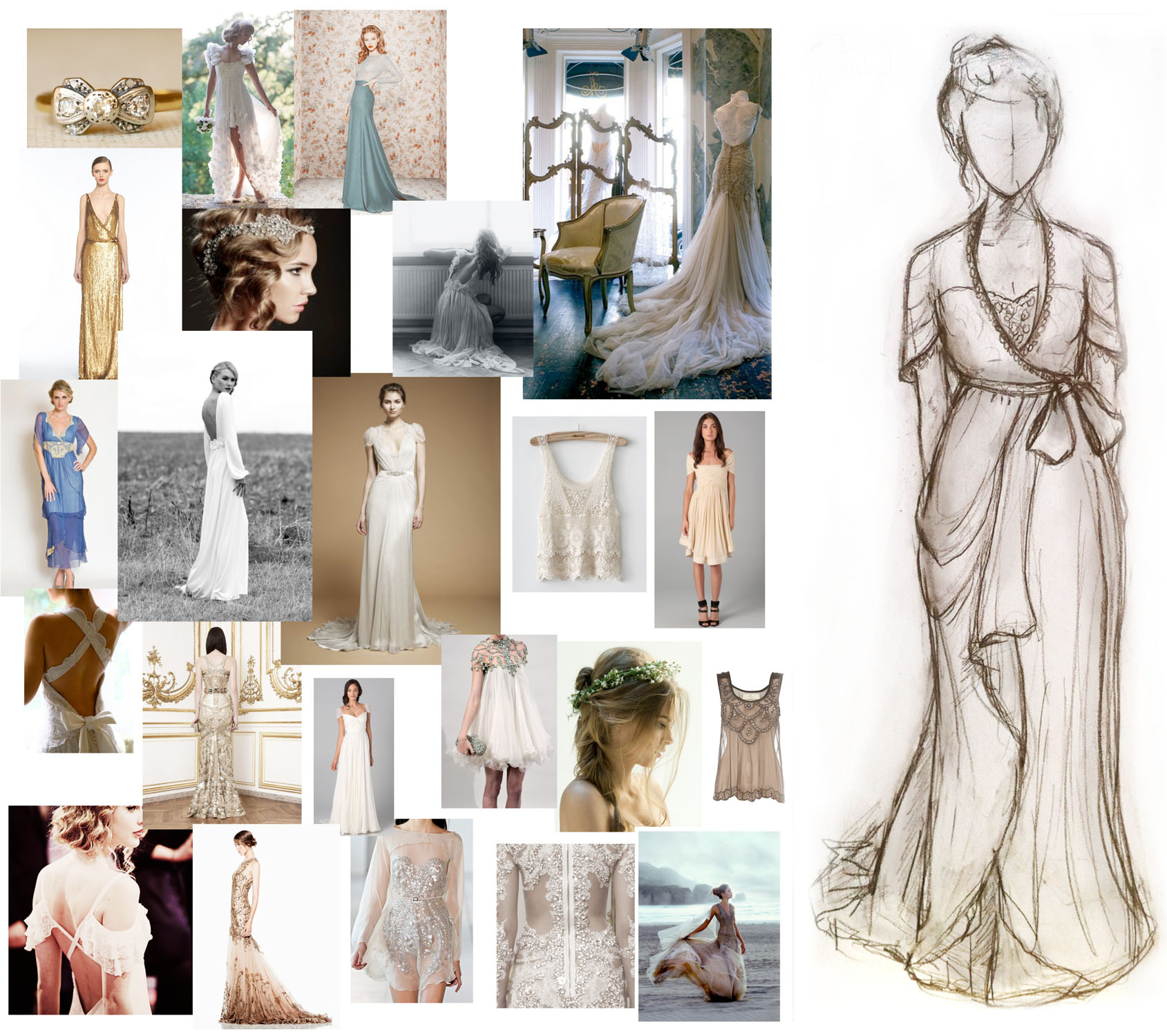
Of course there’s also the location, the date, food, guest lists, decor, etc, but those are logistics, and I will pretend they don’t exist for now. For now all I see are creamy ivory silks, florence lace, sheer chiffon and pearl details.

Thanks to pinterest, my ‘style’ board inadvertently leant itself well towards bridal gown inspirations. After pulling may favorite photos and details, I started sketching.

I’m not great at the 2D sort of creative endeavors. I prefer to just start draping fabric and see what happens. It helps to keep an open mind in terms of style when you have as limited technical sewing skills as I. For instance, the sleeves I sketched above can be draped horizontal or vertical, and I’ll probably do whichever is easier and looks better with the fabric I chose.

I’m naturally drawn to a vintage, classic extravagance- a retro mix of flowing, layered details and smart lines. Or to name a designer, Jenny Packman. The design must have sleeves and be flowy. I don’t think I could sew something that was tailored close to the body nor would a corseted sort of gown look good on me. I have also found beading to be quite relaxing and meditative, along with adding an easy sort of sophistication to a piece.

Thankfully I have a lot of time to sit and think, drape and cut. I often like to mentally sketch dresses for no reason at all, so this is a lovely excuse to daydream of silhouettes  and reinvented vintage flairs. I’m not a wedding nut by any means, but fashion- well, that’s just art.
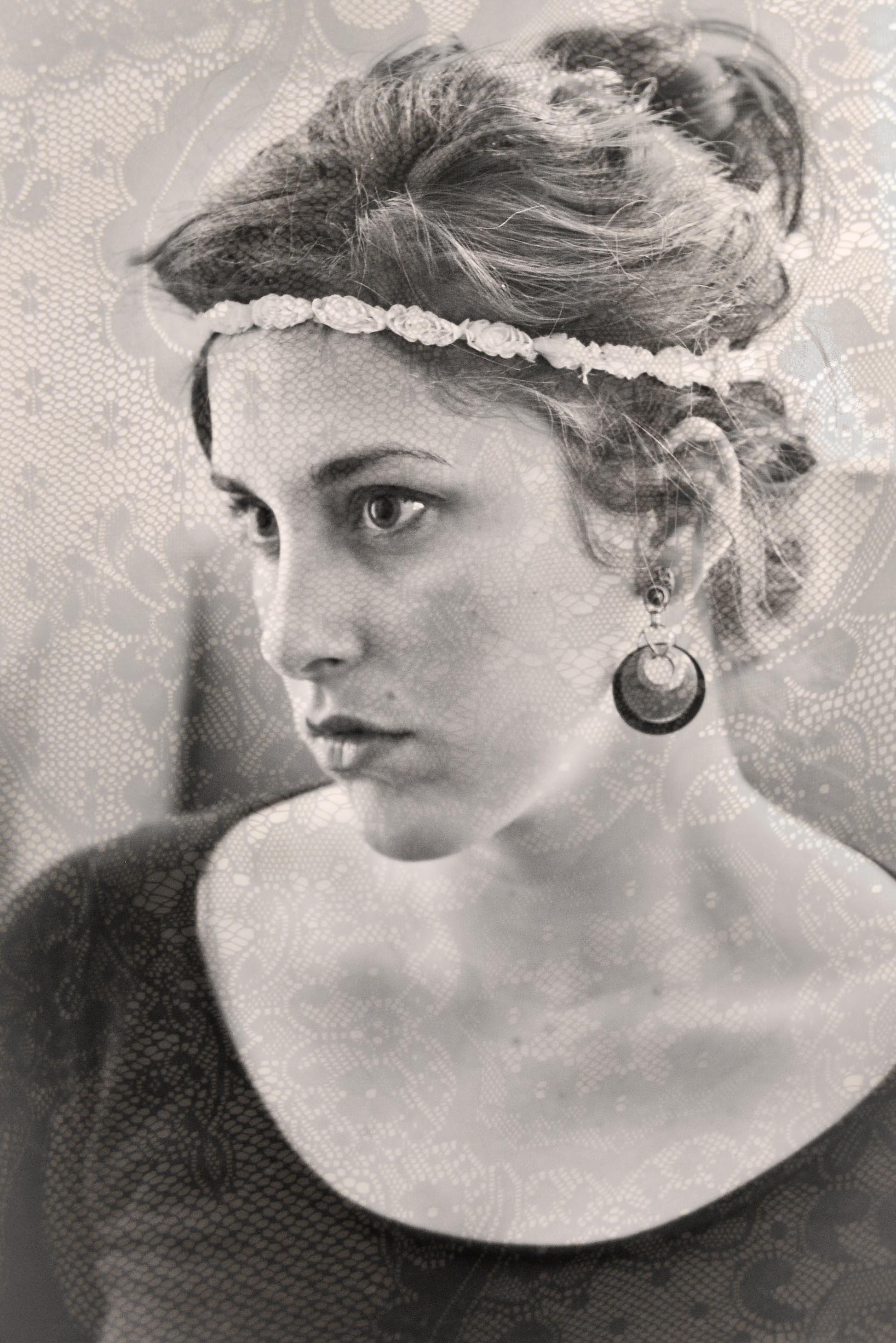
Circa 1890s, In Photoshop

Heavy handed? Yes. Vintage photograph from way back when? No. I shot this photo yesterday, using a Digital SLR (Nikon D90 with 50mm 1.8 prime lens), a self-timer and late afternoon light softly diffused through linen curtains.

My original intention was to shoot some head-shots for work purposes while I had the apartment to myself. I am absolutely hopeless in front of the lens, further affirming my need to be behind the lens. It was an awkward 15 minute session, ushering my cat out of his beloved chair, racing against the light, focusing without a placeholder, and staring at a blinking timer light, grimacing as the shutter ‘clicked.’ After some desperate and disappointing shots, I decided to just- bah- do whatever and ended up with a shot that felt strangely ‘old.’ To see the photo fully realized, I decided to apply a heavy editing hand. I’m not a huge fan of over stylized looks, it seems like a betrayal to the original photograph, but, c’est la vie.  As long as each lie has a purpose, it can add up to a truth of sorts.

To achieve the photo above, I processed it in both Lightroom and Photoshop, but Lightroom wasn’t necessary, just easier for some things. Basically, I desaturated the photo, lightened the edges, evened out the shadows in the face, applied a weak yellow toned photo filter, and added another photo (layer) of a lace detail. For the ‘lace’ layer, I pulled the opacity down to 17 or so and erased certain areas using a weak brush. None of this is particularly difficult or masterful- I probably utilized .01% of photoshop to achieve this, so don’t let it sound intimidating.  If you want this look on the go, I’m sure there are Lightroom presets and Photoshop actions that achieve the same end.

Some other Photoshop ‘go to’s’ I like to use for portraits: Using a curves layer to ‘paint with light; using the clone stamp with a large brush and opacity around 12% to even and soften skin; and using ‘levels’ to enhance the dark tones.

“Photo credits”: Max Studio Black dress from TJMaxx ($15), Rosette headband from H&M ($4), and Clip earrings courtesy of my wonderful older sister.